

SR Two Col 07
This module renders an optional shared heading, description, and CTAs above a two-column row where each of the two columns holds its own media block (image, video, form, meeting scheduler, or lottie), a sub-heading, rich text, up to four icon features, and its own CTA button.
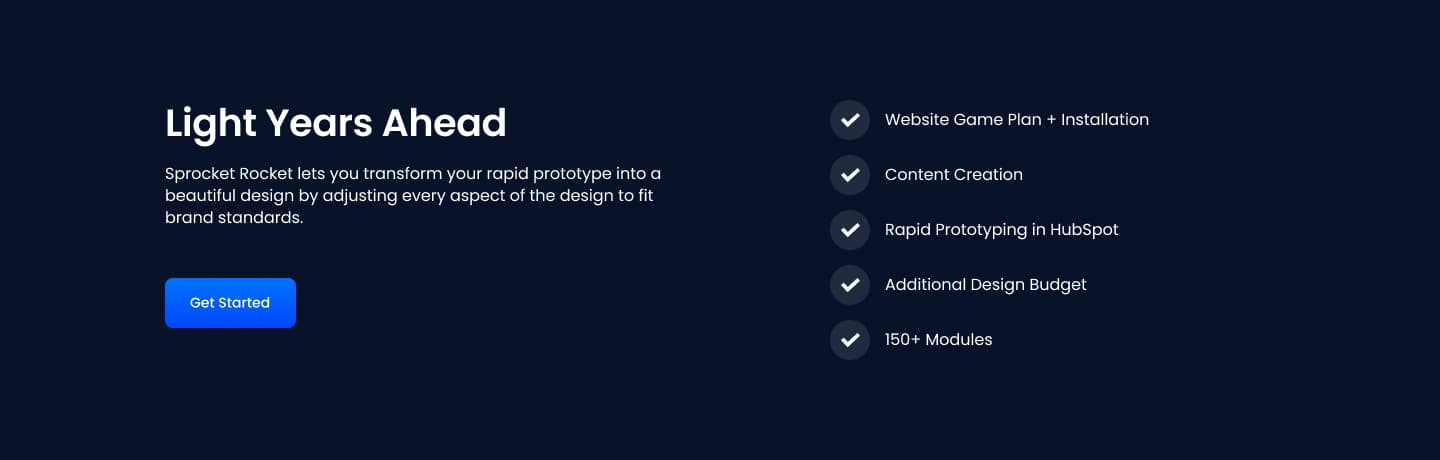
Pick this over the other two-column siblings when both sides need to act like complete mini sections with an icon feature list, not just an image or single paragraph, such as comparing two product tiers or two feature bundles side by side. Supply matching media for each column's chosen type and keep feature icons and labels short since up to four can stack per side.
Use cases
- Compare two product tiers
- Two feature bundles side by side
- Before and after feature comparison
- Plan a vs plan b breakdown
- Two use-case scenarios with icon lists
- Dual demo video and feature list panels
Where it fits
- Included with: Core
- Page sections: Comparison, Features, Benefits
Editable fields
Content tab
| Field | Type | Notes |
|---|---|---|
| Background Video | File | Repeats: min 0, default 1. Add multiple file formats in order to provide compatibility with a broad range of browsers. |
| Background Video Tablet | File | Repeats: min 0, default 1. This background video will only be used on tablet devices. |
| Background Video Mobile | File | Repeats: min 0, default 1. This background video will only be used on mobile devices. |
| Enabled | Boolean | |
| ID | Text | Assign a ID to the module. |
| Class | Text | Assign a CLASS to the module. |
| Description | Rich text | |
| Lead Text | Boolean | Turn on to make the Description text larger. |
| Use Image as Background | Boolean | Makes the Column's image the background. Requires media type to be IMAGE. |
Heading Repeats: min 0, default 0.
| Field | Type | Notes |
|---|---|---|
| Heading | Text | |
| Size | Choice | HTML heading size. Options: H1, H2, H3, H4, H5, H6, P. |
| Display Size | Choice | Size that heading is displayed at. 12 options, including Auto, H1, H2. |
| Color | Choice | 15 options, including Auto, Primary, Secondary. |
| Color | Color | |
| Align | Choice | Options: Auto, Left, Center, Right. |
| CSS Class | Text |
CTA Repeats: min 0, default 0.
| Field | Type | Notes |
|---|---|---|
| CTA Type | Choice | Options: HubSpot CTA, HubSpot Payment, Button, Modal. |
| CTA Style | Choice | 26 options, including Primary, Secondary, Tertiary. |
| CTA | CTA | |
| Button Text | Text | |
| Modal Target | Text | |
| Link | Link | |
| CTA Size | Choice | Options: Small, Default, Large. |
| Add icon | Boolean |
CTA › Default
| Field | Type | Notes |
|---|---|---|
| Background | Color | |
| Text | Color | |
| Border | Color |
CTA › Hover
| Field | Type | Notes |
|---|---|---|
| Background | Color | |
| Text | Color | |
| Border Color | Color |
Column Repeats: default 2.
| Field | Type | Notes |
|---|---|---|
| Media Type | Choice | Options: Image, Video, Form, Meeting, Lottie, None. |
| Add to Lightbox | Boolean | Enable this toggle to add this image to a lightbox pop-up. |
| Overlay Color | Color | |
| Image | Image | |
| Image Corner Radius | Number | |
| Image Link | Link | |
| Lottie Embed Code | Text | How to add LottieFiles. |
| Meeting | Meeting | |
| Description | Rich text | |
| Lead Text | Boolean | Turn on to make the content text larger. |
| Text Align | Choice | Options: Auto, Left, Center, Right. |
| Text Color | Choice | 14 options, including Auto, Primary, Secondary. |
| Custom Column Size | Boolean | |
| CSS Class | Text | Assign a CLASS to the column. |
Column › Video
| Field | Type | Notes |
|---|---|---|
| Video type | Choice | Options: Embed, HTML Video, HubSpot Video. |
| HubSpot Video | Video player | |
| Embed | Embed | |
| Custom Thumbnail | Image | |
| Video File | File | Repeats: default 1. Add multiple file formats in order to provide compatibility with a broad range of browsers. |
| Video Poster | Image | |
| Show Controls | Boolean | |
| Autoplay | Boolean | |
| Loop | Boolean | |
| Muted | Boolean | |
| Video Accent | Choice | Add a design accent behind your video. Options: None, Design 1, Design 2, Design 3. |
| Video Accent Color | Choice | 11 options, including Primary, Secondary, Tertiary. |
| Custom Accent Color | Color |
Column › Video › Style Options
| Field | Type | Notes |
|---|---|---|
| Play button color | Color |
Column › Video › Placeholder text
| Field | Type | Notes |
|---|---|---|
| Video placeholder title | Text | |
| Video placeholder description | Text |
Column › Form
| Field | Type | Notes |
|---|---|---|
| Enabled | Boolean | |
| Description | Rich text | |
| Lead Text | Boolean | Turn on to make the Description text larger. |
| Form | Form | |
| Send form notifications to specified email addresses instead of the form defaults | Boolean | |
| Email Addresses | ||
| Salesforce campaign | Salesforcecampaign |
Column › Form › Styles
| Field | Type | Notes |
|---|---|---|
| Background Color | Color | |
| Text Color | Choice | Set to Auto to use the default text color. Set to Custom to set a custom text color. 15 options, including Auto, Primary, Secondary. |
| Text Color | Color | |
| Hide Field Labels | Boolean |
Column › Form › Styles › Button
| Field | Type | Notes |
|---|---|---|
| Style | Choice | 25 options, including Primary, Secondary, Tertiary. |
| Size | Choice | Options: Small, Default, Large. |
| Align | Choice | Options: Auto, Left, Center, Right. |
| Full Width | Boolean |
Column › Form › Styles › Padding
| Field | Type | Notes |
|---|---|---|
| Top | Number | |
| Bottom | Number | |
| Left | Number | |
| Right | Number |
Column › Form › Styles › Border
| Field | Type | Notes |
|---|---|---|
| Style | Choice | Options: Gradient One, Gradient Two, None, Solid, Dotted, Dashed, Double. |
| Color | Color | |
| Width | Number | |
| Radius | Number | |
| Top | Boolean | |
| Bottom | Boolean | |
| Left | Boolean | |
| Right | Boolean |
Column › Form › Heading Repeats: min 0, default 1.
| Field | Type | Notes |
|---|---|---|
| Heading | Text | |
| Heading Size | Choice | HTML heading size. Options: H1, H2, H3, H4, H5, H6, P. |
| Heading Display Size | Choice | Size that heading is displayed at. 12 options, including Auto, H1, H2. |
| Heading Color | Choice | 15 options, including Auto, Primary, Secondary. |
| Heading Color | Color | |
| Heading Align | Choice | Options: Auto, Left, Center, Right. |
| CSS Class | Text |
Column › Heading Repeats: min 0, default 1.
| Field | Type | Notes |
|---|---|---|
| Heading | Text | |
| Size | Choice | HTML heading size. Options: H1, H2, H3, H4, H5, H6, P. |
| Display Size | Choice | Size that heading is displayed at. 12 options, including Auto, H1, H2. |
| Color | Choice | 15 options, including Auto, Primary, Secondary. |
| Color | Color | |
| Align | Choice | Options: Auto, Left, Center, Right. |
| CSS Class | Text |
Column › Features Repeats: default 4.
| Field | Type | Notes |
|---|---|---|
| Description | Rich text | |
| Lead Text | Boolean | Turn on to make the Description text larger. |
Column › Features › Icon
| Field | Type | Notes |
|---|---|---|
| Icon Type | Choice | Options: Icon, Image. |
| Image | Image | |
| Icon | Icon | |
| Icon Color | Color | |
| Icon Background | Color | Set opacity to 0 to disable the background. |
| Icon Size | Number | |
| Purpose | Choice | The purpose of the icon, used for accessibility. If set to decorative, an additional attribute of aria-hidden="true" will be added to the icon. Options: Decorative, Semantic. |
Column › Features › Heading Repeats: default 1.
| Field | Type | Notes |
|---|---|---|
| Heading | Text | |
| Size | Choice | HTML heading size. Options: H1, H2, H3, H4, H5, H6, P. |
| Display Size | Choice | Size that heading is displayed at. 12 options, including Auto, H1, H2. |
| Color | Choice | 15 options, including Auto, Primary, Secondary. |
| Color | Color | |
| Align | Choice | Options: Auto, Left, Center, Right. |
| CSS Class | Text |
Column › CTA Repeats: min 0, default 0.
| Field | Type | Notes |
|---|---|---|
| CTA Type | Choice | Options: HubSpot CTA, HubSpot Payment, Button, Modal. |
| CTA Style | Choice | 26 options, including Primary, Secondary, Tertiary. |
| CTA | CTA | |
| Button Text | Text | |
| Modal Target | Text | |
| Link | Link | |
| CTA Size | Choice | Options: Small, Default, Large. |
| Add icon | Boolean |
Column › CTA › Default
| Field | Type | Notes |
|---|---|---|
| Background | Color | |
| Text | Color | |
| Border | Color |
Column › CTA › Hover
| Field | Type | Notes |
|---|---|---|
| Background | Color | |
| Text | Color | |
| Border Color | Color |
Column › CTA › Icon
| Field | Type | Notes |
|---|---|---|
| Icon | Icon | |
| Position | Choice | Options: Left, Right. |
| Purpose | Choice | The purpose of the icon, used for accessibility. If set to decorative, an additional attribute of aria-hidden="true" will be added to the icon. Options: Decorative, Semantic. |
Column › Column Size Repeats: min 1, max 4, default 1. Columns follow a twelve column grid.
| Field | Type | Notes |
|---|---|---|
| Column Breakpoint | Choice | Options: None, Mobile, Tablet, Desktop, XL. |
| Column Width | Choice | 12 options, including 1, 2, 3. |
| Column Offset | Choice | 13 options, including 0, 1, 2. |
| Column Order | Number |
Style tab
Change log
| Version | Change |
|---|---|
| 6.0.1 | Fixed custom color field visibility |
| 6.0.0 | Stardust update |
| 5.2.5 | Deprecated ability to set custom button styles |
| 5.2.4 | Added ability to set custom button styles |
| 5.2.3 | Fixed default column size option |
| 5.2.2 | Added ability to use new HS form |
| 5.2.1 | Column breakpoint fix |
| 5.2.0 | Accessibility improvements |
| 5.1.1 | Updated lottie js |
| 5.1.0 | Added responsive background options |
| 5.0.2 | Removed deprecated mobile order field |
| 5.0.1 | Added new Link options |
| 5.0.0 | Bebuilt with new features, DO NOT Upgrade |
SR Two Col 06
This module renders a two column layout with no images: a left column holding a heading and rich text description, and a right column with its own heading followed by a stacked list of up to nine text links.
SR Two Col 08
This module renders a shared heading and description above two fixed-width card columns, each with its own image, small heading, description text, and one CTA button, where each card carries its own gradient, solid color, or custom background with white text by default.