

Pillar Nav TOC 02
This module renders a table of contents for a pillar page, with a heading and optional description above a list of chapter links.
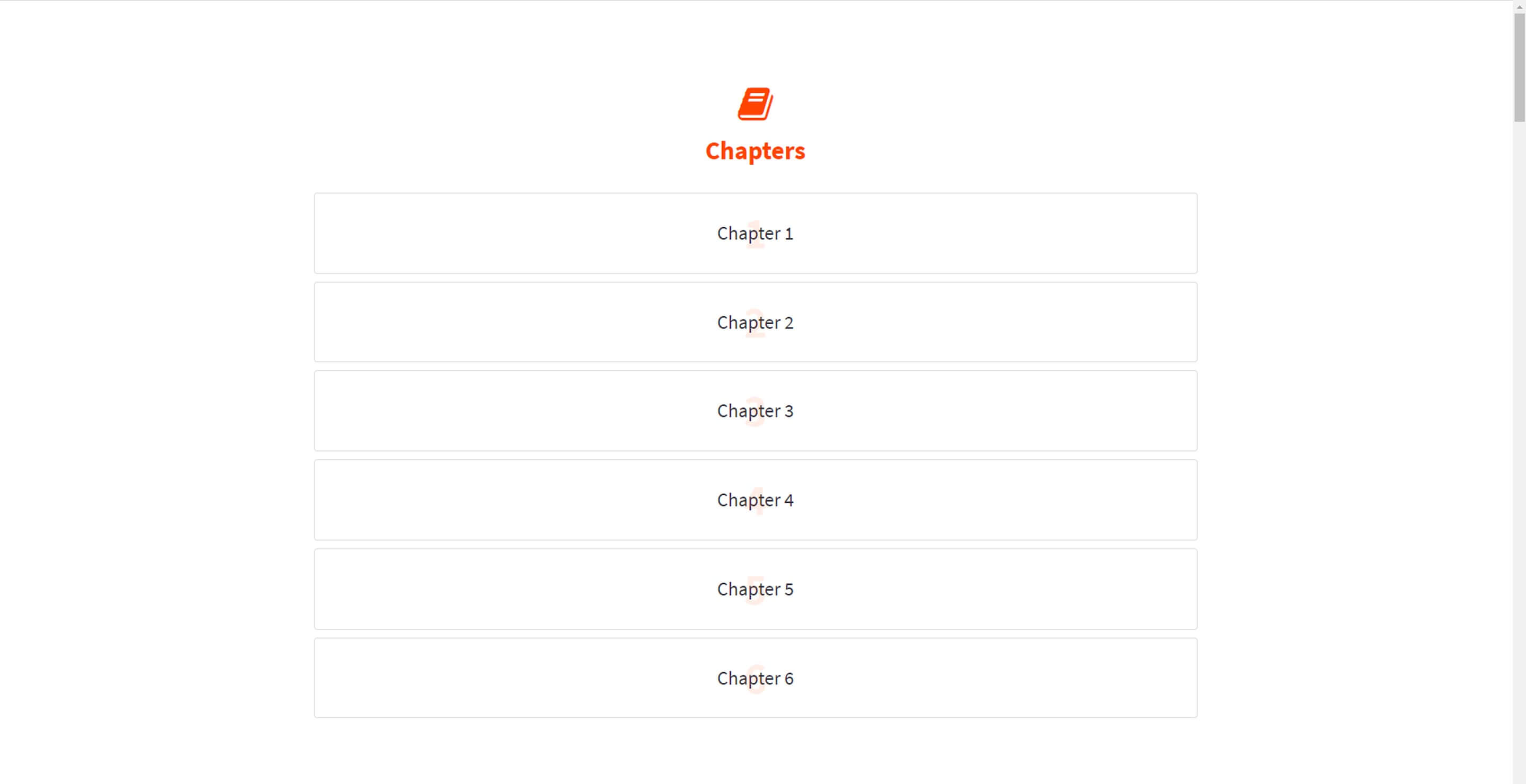
Items can be added manually with the repeater, or set to auto-populate from Pillar Chapter Title 01 and Pillar Cover 01 modules found elsewhere on the page. Choose this over Pillar Nav TOC 01 when you want the auto-detection behavior tied to specific pillar chapter modules rather than a purely manual link list.
Use cases
- Pillar page table of contents
- Long-form guide navigation
- Chapter jump links
- Auto-generated chapter list
- Content hub navigation menu
Where it fits
- Included with: PRO
- Page sections: Navigation, Utility, Content
Editable fields
Content tab
| Field | Type | Notes |
|---|---|---|
| Background Video | File | Repeats: min 0, default 1. Add multiple file formats in order to provide compatibility with a broad range of browsers. |
| Background Video Tablet | File | Repeats: min 0, default 1. This background video will only be used on tablet devices. |
| Background Video Mobile | File | Repeats: min 0, default 1. This background video will only be used on mobile devices. |
| Enabled | Boolean | |
| ID | Text | Assign a ID to the module. |
| Class | Text | Assign a CLASS to the module. |
| Description | Rich text | |
| Lead Text | Boolean | Turn on to make the Description text larger. |
| Add Items Manually | Boolean |
Heading Repeats: min 0, default 1.
| Field | Type | Notes |
|---|---|---|
| Heading | Text | |
| Size | Choice | HTML heading size. Options: H1, H2, H3, H4, H5, H6, P. |
| Display Size | Choice | Size that heading is displayed at. 12 options, including Auto, H1, H2. |
| Color | Choice | 15 options, including Auto, Primary, Secondary. |
| Color | Color | |
| Align | Choice | Options: Auto, Left, Center, Right. |
| CSS Class | Text |
Items Repeats: default 2.
| Field | Type | Notes |
|---|---|---|
| Text | Text | |
| Link | Link |
Style tab
Change log
| Version | Change |
|---|---|
| 4.0.0 | Stardust update |
| 3.2.0 | Added responsive background options |
| 3.1.0 | Added otion to add items manually |
| 3.0.3 | Added list style options |
Pillar Nav TOC 01
This module renders a table of contents block with a heading, optional rich text description, and a list of chapter links, either auto-collected from Pillar Chapter Title or Pillar Cover modules on the page or entered manually as up to two or more text and link items.
Pricing Comparison
Renders a heading and description, an optional monthly and yearly toggle with its own label and switch text, up to four pricing plan cards each with name, price, alt price, suffix, label badge, description, and up to two buttons, and below that a row-based feature comparison table of up to three categories with three features each and per-plan columns.