

SR Notification 01
This module renders a small floating notification popup positioned in a corner or edge of the screen, with six selectable types: rotating conversion alerts (up to 4), a countdown timer with date and form or button offer, an email signup form, a static information banner, rotating review cards (up to 4, each with stars and client name), or a social share prompt with facebook, twitter, and linkedin toggles.
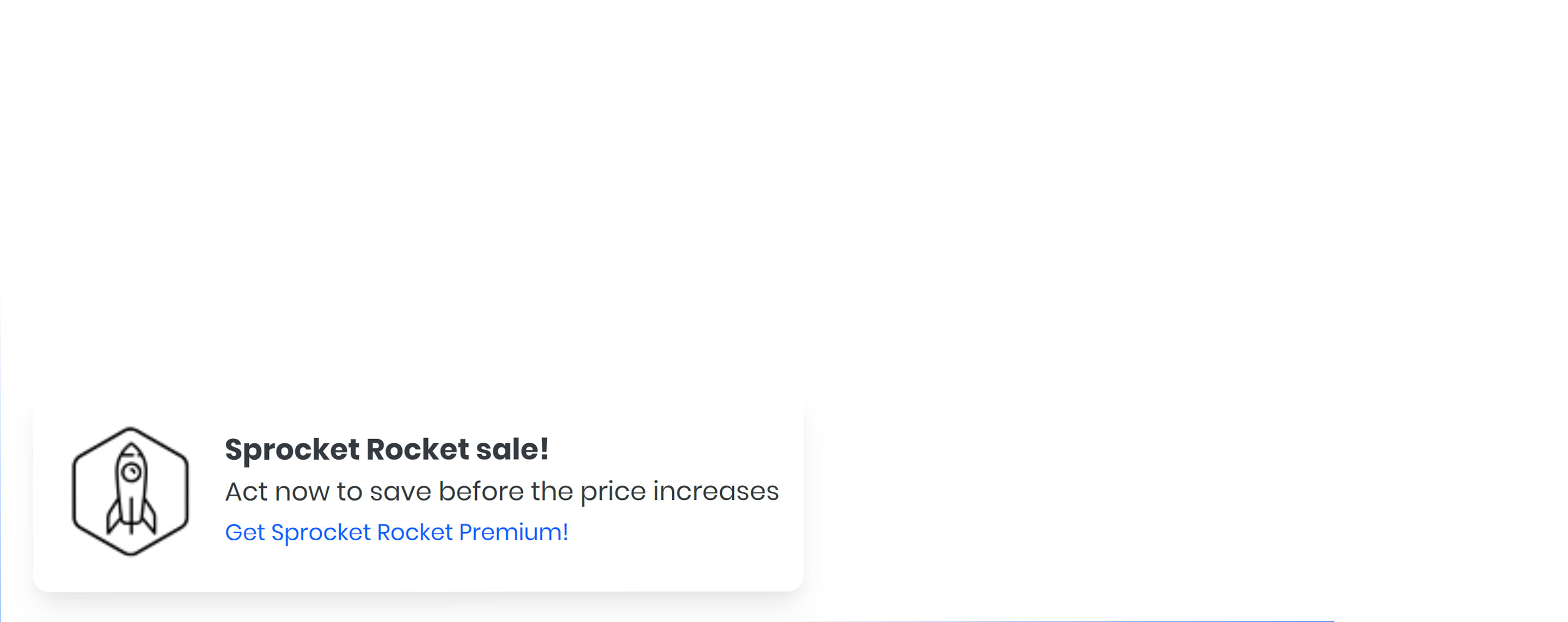
Pick it over the bling-graphic, clients, or card modules when you need a timed, dismissible overlay that appears after a delay rather than an inline section in the page flow. Depending on the type chosen it expects a form, a CTA or link, images for conversion and review cards, or a target date for the countdown, and its visibility timing is controlled by start delay, show time, and randomized delay settings.
Use cases
- Recent purchase popup
- Countdown sale timer
- Newsletter signup popup
- Customer review popup
- Social share reminder
- Site-wide announcement banner
- Limited time offer nudge
Where it fits
- Included with: PRO
- Page sections: Utility, Proof, Cta
Editable fields
Content tab
| Field | Type | Notes |
|---|---|---|
| Notification Type | Choice | Options: Conversion, Countdown, Email, Information, Review, Social Share. |
Conversion Repeats: default 4.
| Field | Type | Notes |
|---|---|---|
| Image | Image | Recommended Size: 40x40. |
| Title | Text | |
| Description | Text | |
| Time | Text | |
| Feature Text | Text | |
| Enable Link | Boolean | |
| Link | Link |
Review Repeats: default 4.
| Field | Type | Notes |
|---|---|---|
| Image | Image | Recommended Size: 65x65. |
| Title | Text | |
| Stars | Number | |
| Description | Text | |
| Feature Text | Text |
Information
| Field | Type | Notes |
|---|---|---|
| Image | Image | Recommended Size: 75x75. |
| Title | Text | |
| Description | Text | |
| Feature Text | Text | |
| Link | Boolean | |
| Link | Link |
| Field | Type | Notes |
|---|---|---|
| Title | Text | |
| Description | Text | |
| Form | Form | Works best with only an email field, with placeholder text. |
| Button Style | Choice | 26 options, including Primary, Secondary, Tertiary. |
| Feature Text | Text |
Countdown
| Field | Type | Notes |
|---|---|---|
| Title | Text | |
| Description | Text | |
| Teaser | Text | |
| Offer Type | Choice | Options: Form, Button, None. |
| Form | Form | Works best with only an email field, with placeholder text. |
| Button Style | Choice | 26 options, including Primary, Secondary, Tertiary. |
| Feature Text | Text | |
| Date | Datetime | |
| Countdown Background Color | Choice | 14 options, including Gradient One, Gradient Two, Custom. |
| Countdown Text Color | Choice | 14 options, including Auto, Primary, Secondary. |
Countdown › CTA
| Field | Type | Notes |
|---|---|---|
| CTA Type | Choice | Options: HubSpot CTA, Button. |
| CTA Style copy | Choice | 26 options, including Primary, Secondary, Tertiary. |
| CTA | CTA | |
| Button Text | Text | |
| Link | Link |
Social Share
| Field | Type | Notes |
|---|---|---|
| Title | Text | |
| Description | Text | |
| Feature Text | Text | |
| Boolean | ||
| Boolean | ||
| Boolean |
Settings
| Field | Type | Notes |
|---|---|---|
| Start Delay | Number | The time is seconds till the first notification shows. |
| Show Time | Number | The time In seconds for the notification to show. |
| Always Show | Boolean |
Settings › Delay
| Field | Type | Notes |
|---|---|---|
| Delay | Number | The time is seconds between showing the next notification. |
| Randomize Delay | Boolean | Toggle on if you want to randomize the time between notifications. |
| Delay Min | Number | The minimum time in seconds that that random delay can be. |
| Delay Max | Number | The maximum time in seconds that that random delay can be. |
Style tab
Change log
| Version | Change |
|---|---|
| 1.1.0 | Accessibility improvements |
| 1.0.6 | Added new Link options |
SR Nav Progress Bar 01
This module renders a thin fixed progress bar positioned above or below the navigation, filling as the visitor scrolls down the page, with configurable color and height.
SR Pattern 01
This module renders a single decorative SVG divider, either a wave, line, curve, triangle, slanted triangle, or arrow, positioned at the top or bottom edge of a section with configurable color, width, height, flip, and stacking order.