

SR Tabs Testimonials 01
This module renders a heading with optional description above a tabbed set of up to 4 testimonials, where each tab button carries an icon or svg marker and the panel below shows an optional photo, a name and title label, and a rich text quote.
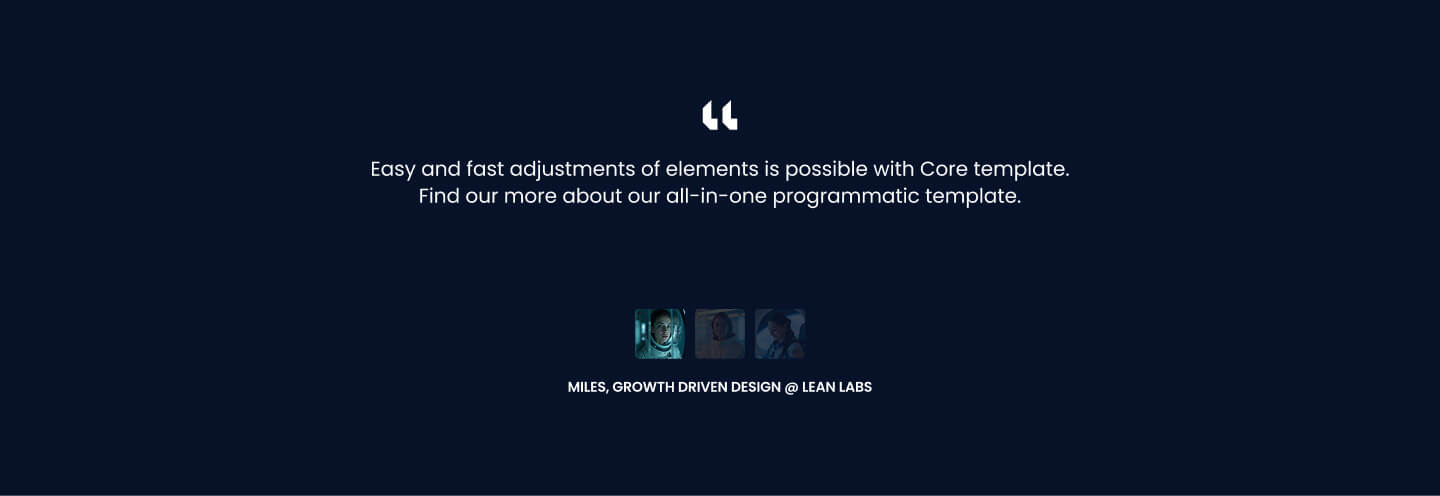
Pick it over the other tab siblings when quotes are the featured content and each testimonial deserves its own labeled tab rather than a slider, accordion, or media-heavy panel. It works with or without headshots since photo and icon are optional per tab, but each quote should stay short since there is no CTA or secondary media field.
Use cases
- Client quote tabs with icons
- Customer testimonial switcher
- Case study quotes by tab
- Attributed reviews with photos
- Trust section with named quotes
Where it fits
- Included with: Core
- Page sections: Testimonials, Proof
Editable fields
Content tab
| Field | Type | Notes |
|---|---|---|
| Background Video | File | Repeats: min 0, default 1. Add multiple file formats in order to provide compatibility with a broad range of browsers. |
| Background Video Tablet | File | Repeats: min 0, default 1. This background video will only be used on tablet devices. |
| Background Video Mobile | File | Repeats: min 0, default 1. This background video will only be used on mobile devices. |
| Enabled | Boolean | |
| ID | Text | Assign a ID to the module. |
| Class | Text | Assign a CLASS to the module. |
| Description | Rich text | |
| Lead Text | Boolean | Turn on to make the Description text larger. |
Heading Repeats: min 0, default 0.
| Field | Type | Notes |
|---|---|---|
| Heading | Text | |
| Size | Choice | HTML heading size. Options: H1, H2, H3, H4, H5, H6, P. |
| Display Size | Choice | Size that heading is displayed at. 12 options, including Auto, H1, H2. |
| Color | Choice | 15 options, including Auto, Primary, Secondary. |
| Color | Color | |
| Align | Choice | Options: Auto, Left, Center, Right. |
| CSS Class | Text |
Tab Item Repeats: min 1, default 4.
| Field | Type | Notes |
|---|---|---|
| Tab Photo | Image | |
| Tab Label | Text | |
| Tab Content | Rich text | |
| Lead Text | Boolean | Turn on to make the Tab Content text larger. |
Tab Item › Icon
| Field | Type | Notes |
|---|---|---|
| Icon Type | Choice | Options: Icon, SVG, None. |
| Icon | Icon | |
| SVG | Text | |
| Color | Color | |
| Purpose | Choice | The purpose of the icon, used for accessibility. If set to decorative, an additional attribute of aria-hidden="true" will be added to the icon. Options: Decorative, Semantic. |
Style tab
Change log
| Version | Change |
|---|---|
| 6.0.0 | Stardust update |
| 5.2.0 | Accessibility improvements |
| 5.1.0 | Added responsive background options |
| 5.0.1 | Fixed Lead Text not working |
| 5.0.0 | Removed jQuery |
| 4.0.1 | Fixed thumbs overflow on mobile |
SR Tabs Slider 02
This module renders a heading, description, and optional CTA row above a slider of 4 default slides, each pairing an image with rich text content, a name and title attribution line, and its own CTA button.
SR Tabs Vertical 01
This module renders a heading, optional description, and a set of text-only tabs with a vertical list of short labels on the left and a matching content panel with its own heading and rich text on the right, with an optional sticky tab list.