

SR Image Hotspot 01
This module renders a single full image with up to three clickable hotspot markers placed at custom x and y coordinates, each opening a tooltip with an icon, heading, and rich text content.
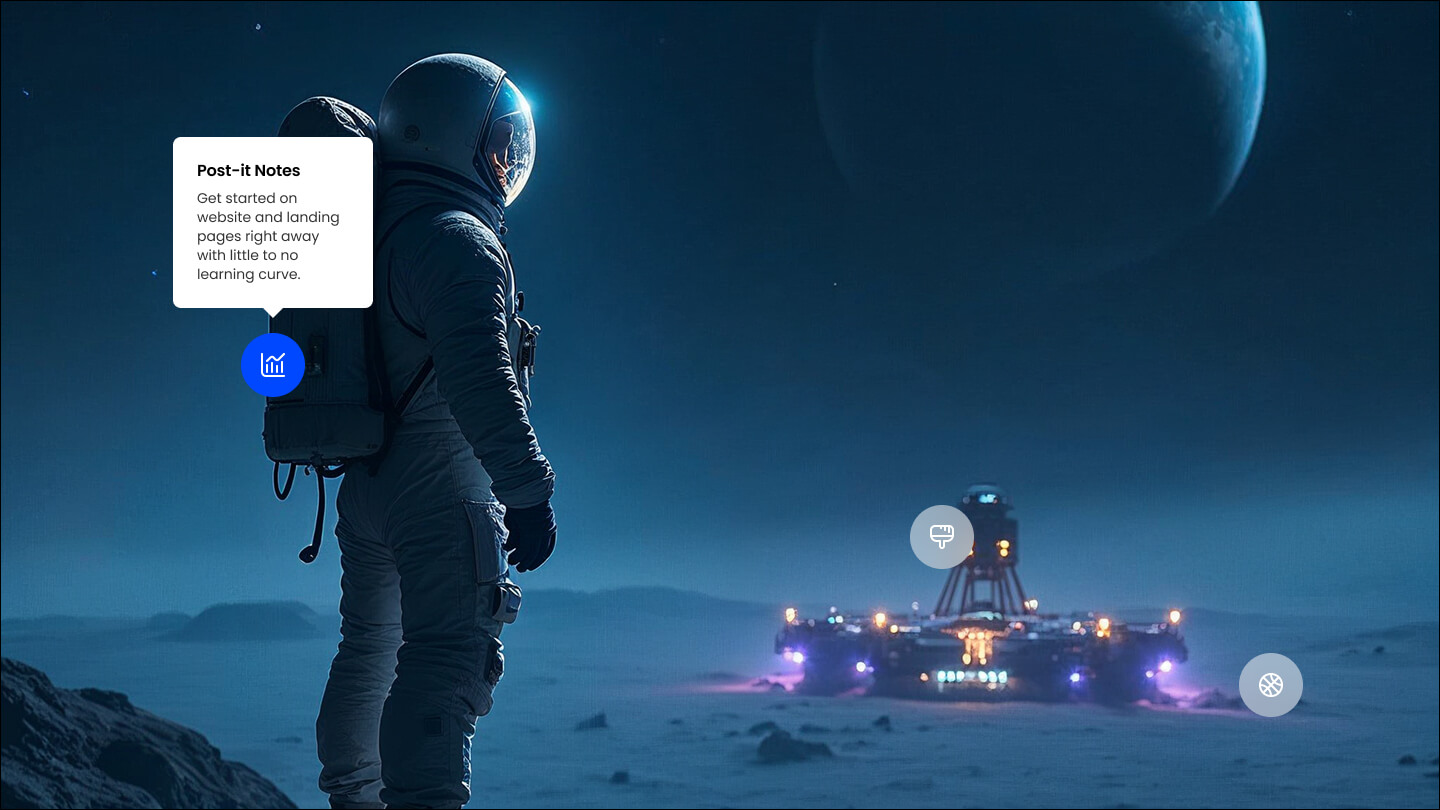
Pick it over the bling graphic or gallery modules when you need to label specific points on one photo or diagram with interactive detail rather than showing a static image or a sliding set of images. It expects one base image plus a short heading and description for each hotspot, and lets you tune tooltip animation, arrow, and placement.
Use cases
- Annotated product photo
- Interactive floor plan
- Diagram with labeled parts
- Feature callouts on a screenshot
- Ingredient or material breakdown image
Where it fits
- Included with: Stack
- Page sections: Media, Features, Content
Editable fields
Content tab
| Field | Type | Notes |
|---|---|---|
| Enabled | Boolean | |
| ID | Text | Assign a ID to the module. |
| Class | Text | Assign a CLASS to the module. |
| Image Overlay Color | Color | |
| Image | Image | |
| Edit Mode | Boolean | This doesn't actually adjust the position of the points, it just allows you to see their coordinates. You'll need to adjust the coordinates in the 'Points' section. |
Points Repeats: default 3.
| Field | Type | Notes |
|---|---|---|
| X Coordinates | Number | |
| Y Coordinates | Number | Starting from the bottom. |
| Tooltip Placement | Choice | Auto will place the tooltips on the side with most space. 13 options, including Auto, Top, Top Start. |
| Content | Rich text | |
| Lead Text | Boolean | Turn on to make the content text larger. |
Points › Icon
| Field | Type | Notes |
|---|---|---|
| Icon Type | Choice | Options: Icon, Image, SVG. |
| Image | Image | |
| Icon | Icon | |
| SVG Code | Text | |
| Icon Color | Color | |
| Icon Background | Color | |
| Icon Background Hover | Color | |
| Icon Size | Number | |
| Purpose | Choice | The purpose of the icon, used for accessibility. If set to decorative, an additional attribute of aria-hidden="true" will be added to the icon. Options: Decorative, Semantic. |
Points › Heading Repeats: min 0, default 1.
| Field | Type | Notes |
|---|---|---|
| Heading | Text | |
| Heading Size | Choice | HTML heading size. Options: H1, H2, H3, H4, H5, H6, P. |
| Display Size | Choice | Size that heading is displayed at. 11 options, including Auto, H1, H2. |
| Heading Color | Choice | 13 options, including Auto, Primary, Secondary. |
| Heading Color | Color | |
| Heading Align | Choice | Options: Auto, Left, Center, Right. |
Tooltip Settings
| Field | Type | Notes |
|---|---|---|
| Animation | Choice | The type of transition animation. Options: Fade, Scale, Shift Away, Shift Toward, Perspective. |
| Animation Duration | Number | Duration in ms of the transition animation. |
| Arrow | Boolean | Determines if the tooltip has an arrow. |
Style tab
Change log
| Version | Change |
|---|---|
| 2.0.0 | Stardust update |
| 1.1.1 | Fixed icon min width |
| 1.1.0 | Accessibility improvements |
SR HTML
This module renders an optional heading and rich text description followed by a raw block of custom HTML that you supply directly.
SR Modal
This module renders a hidden popup dialog containing an image, a heading, rich text description, one CTA button, and an optional embedded HubSpot form with its own heading and description.