

SR Stats 05
This module renders a two-column split layout with a heading and description in the left column and up to two large stat blocks stacked in the right column, each with an optional image, prefix, number, suffix, and short description.
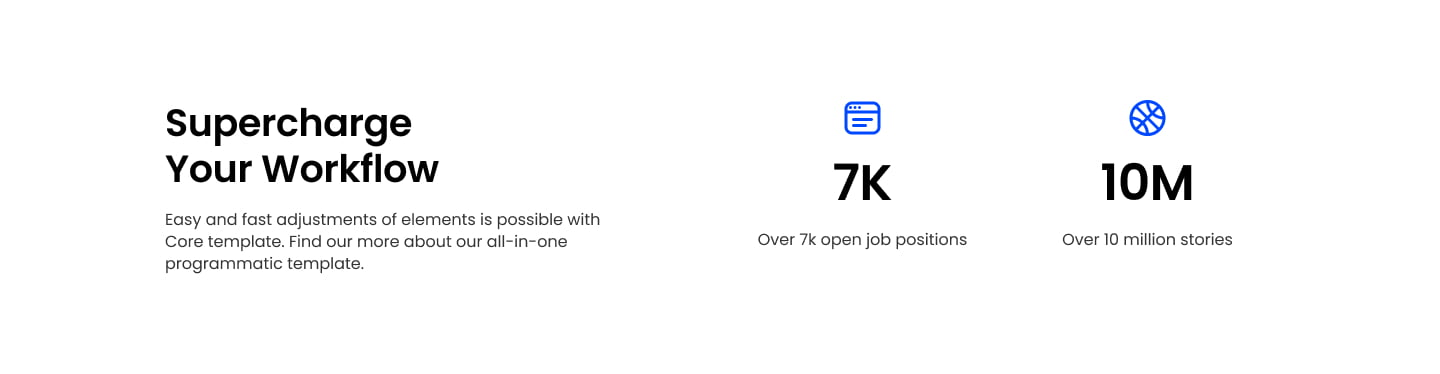
Choose it over sr-stats-01/02/03/04/06 when you want a side-by-side text-and-stats arrangement instead of a heading stacked above a row of three stats, and when two stats deserve more visual room than three compact ones would allow. It supports count-up animation on scroll and independent column widths for the text and stat sides, so feed it a heading, short description, and exactly two numeric stats with captions.
Use cases
- Two-column stats with intro text
- Side-by-side metrics and copy
- Company milestones next to mission statement
- Big number pair with supporting description
- Key metrics beside a heading and blurb
Where it fits
- Included with: PRO
- Page sections: Stats, Proof, Content
Editable fields
Content tab
| Field | Type | Notes |
|---|---|---|
| Background Video | File | Repeats: min 0, default 1. Add multiple file formats in order to provide compatibility with a broad range of browsers. |
| Background Video Tablet | File | Repeats: min 0, default 1. This background video will only be used on tablet devices. |
| Background Video Mobile | File | Repeats: min 0, default 1. This background video will only be used on mobile devices. |
| Enabled | Boolean | |
| ID | Text | Assign a ID to the module. |
| Class | Text | Assign a CLASS to the module. |
| Description | Rich text | |
| Lead Text | Boolean | Turn on to make the Description text larger. |
| Animate Stats | Boolean | |
| Animation Speed | Number | Time to animate in seconds. |
Heading Repeats: min 0, default 1.
| Field | Type | Notes |
|---|---|---|
| Heading | Text | |
| Size | Choice | HTML heading size. Options: H1, H2, H3, H4, H5, H6, P. |
| Display Size | Choice | Size that heading is displayed at. 12 options, including Auto, H1, H2. |
| Color | Choice | 15 options, including Auto, Primary, Secondary. |
| Color | Color | |
| Align | Choice | Options: Auto, Left, Center, Right. |
| CSS Class | Text |
Stats Repeats: min 1, default 2.
| Field | Type | Notes |
|---|---|---|
| Image | Image | |
| Prefix | Text | |
| Suffix | Text | |
| Description | Text | |
| Lead Text | Boolean | Turn on to make the Description text larger. |
| Format Number | Boolean | Format the number with commas. |
Stats › Stat Repeats: min 1, max 1, default 1.
| Field | Type | Notes |
|---|---|---|
| Heading | Number | |
| Size | Choice | HTML heading size. Options: H1, H2, H3, H4, H5, H6, P. |
| Display Size | Choice | Size that heading is displayed at. 12 options, including Auto, H1, H2. |
| Color | Choice | 15 options, including Auto, Primary, Secondary. |
| Color | Color | |
| Align | Choice | Options: Auto, Left, Center, Right. |
| CSS Class | Text |
Columns
| Field | Type | Notes |
|---|---|---|
| Column Vertical Align | Choice | Options: Top, Center, Bottom. |
Columns › Content Repeats: min 1, max 4, default 1. Columns follow a twelve column grid.
| Field | Type | Notes |
|---|---|---|
| Column Breakpoint | Choice | Options: None, Mobile, Tablet, Desktop, XL. |
| Column Width | Choice | 12 options, including 1, 2, 3. |
| Column Offset | Choice | 13 options, including 0, 1, 2. |
| Column Order | Number |
Columns › Stats Repeats: min 1, max 4, default 1. Columns follow a twelve column grid.
| Field | Type | Notes |
|---|---|---|
| Column Breakpoint | Choice | Options: None, Mobile, Tablet, Desktop, XL. |
| Column Width | Choice | 12 options, including 1, 2, 3. |
| Column Offset | Choice | 13 options, including 0, 1, 2. |
| Column Order | Number |
Style tab
Change log
| Version | Change |
|---|---|
| 3.0.0 | Stardust update |
| 2.2.0 | Accessibility improvements |
| 2.1.0 | Added responsive background options |
SR Stats 04
This module renders a heading and description above a row of three even stat blocks, each showing a number with prefix and suffix text, its own caption, and an optional image or icon above the number.
SR Stats 06
This module renders a heading and description above a row of three stat blocks, each showing a number with prefix and suffix text, a short caption, and an optional icon or image topper above the number.