

SR Cards Testimonial Slider 05
This module renders a shared heading and description above a slider of exactly three testimonial cards, each with an optional icon or custom svg mark, a rich text review, a reviewer name and role, and a square headshot image.
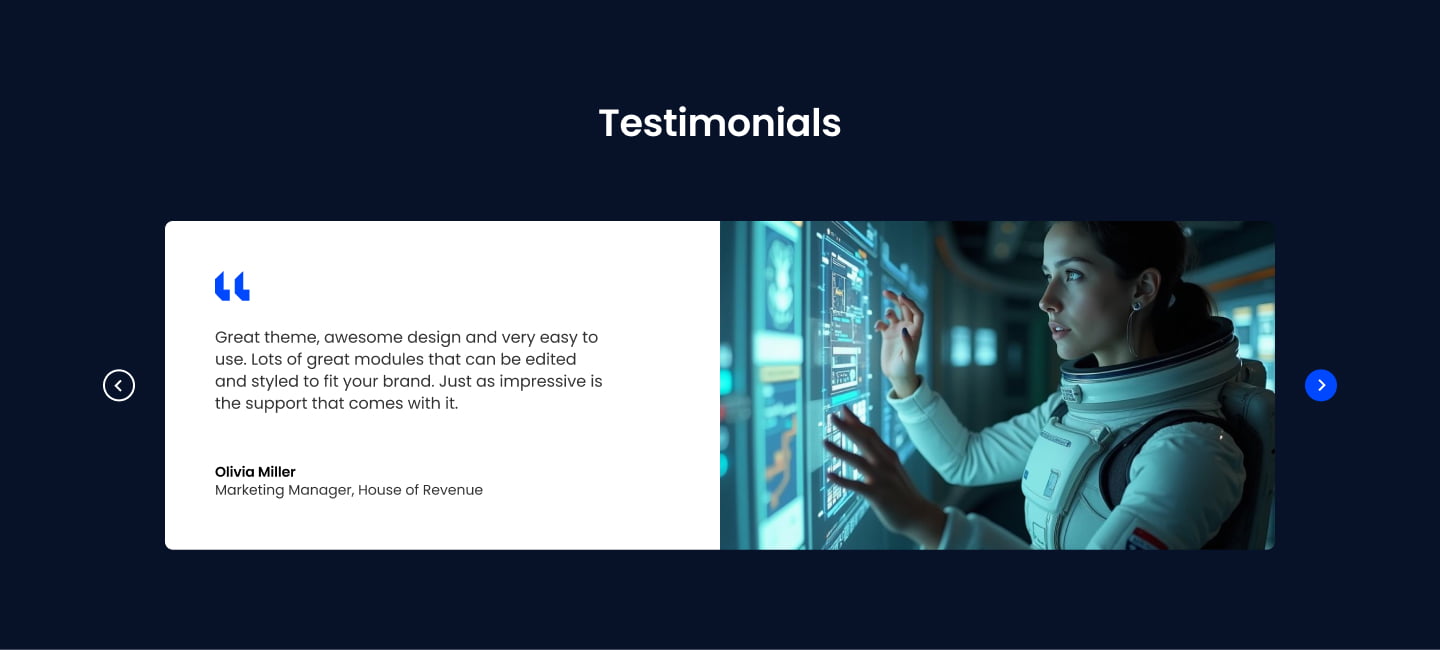
Pick it over sliders 01 and 04 when you want both an icon or brand mark and a photo on each card, and over 02 and 03 when you want separate individual cards in a row rather than one bordered card or full image backgrounds. Supply a square headshot per testimonial and an icon or svg per card if you want the mark to show, otherwise set icon type to none.
Use cases
- Customer quote carousel with logos
- Review slider with headshots and brand marks
- Three-card testimonial row under a headline
- Client feedback section with icons
- G2 or capterra style review cards
Where it fits
- Included with: PRO
- Page sections: Testimonials, Proof, CTA
Editable fields
Content tab
| Field | Type | Notes |
|---|---|---|
| Background Video | File | Repeats: min 0, default 1. Add multiple file formats in order to provide compatibility with a broad range of browsers. |
| Background Video Tablet | File | Repeats: min 0, default 1. This background video will only be used on tablet devices. |
| Background Video Mobile | File | Repeats: min 0, default 1. This background video will only be used on mobile devices. |
| Enabled | Boolean | |
| ID | Text | Assign a ID to the module. |
| Class | Text | Assign a CLASS to the module. |
| Description | Rich text | |
| Lead Text | Boolean | Turn on to make the Description text larger. |
| Dots | Boolean | |
| Arrows | Boolean | |
| Autoplay | Boolean | |
| Autoplay Speed | Number |
Heading Repeats: min 0, default 1.
| Field | Type | Notes |
|---|---|---|
| Heading | Text | |
| Size | Choice | HTML heading size. Options: H1, H2, H3, H4, H5, H6, P. |
| Display Size | Choice | Size that heading is displayed at. 12 options, including Auto, H1, H2. |
| Color | Choice | 15 options, including Auto, Primary, Secondary. |
| Color | Color | |
| Align | Choice | Options: Auto, Left, Center, Right. |
| CSS Class | Text |
Testimonials Repeats: default 3.
| Field | Type | Notes |
|---|---|---|
| Review | Rich text | |
| Team Name | Text | |
| Role | Text | |
| Image | Image |
Testimonials › Icon
| Field | Type | Notes |
|---|---|---|
| Icon Type | Choice | Options: Icon, SVG, None. |
| Icon | Icon | |
| SVG | Text | |
| Color | Color | |
| Purpose | Choice | The purpose of the icon, used for accessibility. If set to decorative, an additional attribute of aria-hidden="true" will be added to the icon. Options: Decorative, Semantic. |
Style tab
Change log
| Version | Change |
|---|---|
| 3.0.1 | Fixed issue with slider card styles |
| 3.0.0 | Stardust update |
| 2.3.0 | Accessibility improvements |
| 2.2.0 | Added responsive background options |
| 2.1.1 | Included slider styles dependecies |
| 2.1.0 | Added slider styles |
| 2.0.1 | Removed deprecated card style fields |
| 2.0.0 | Updates card styles options |
| 1.0.3 | Added Card Background Options |
| 1.0.2 | Added Card Background Options |
| 1.0.1 | Fixed improper sized slider dots |
SR Cards Testimonial Slider 04
This module renders a shared heading and description above a slider of up to six testimonial cards, each with its own media item (image, video, or lottie), its own heading, quote body text, and an author name and title.
SR Cards Three Cols 01
This module renders a heading above a row of three cards, two smaller side cards each with an image, heading, body text and CTA, flanking a wider middle card with its own image, heading, description, CTA, and configurable background, text color, and content alignment.