

Sprocket Rocket AppManaging modules
Update modules
Apply compatible module updates and review major versions separately.
When a module has an update, the Modules item in the top navigation shows a red dot. Open Modules to see available updates:
- Upgrade applies a compatible update to one module.
- Update all at the top applies every compatible update. It skips major versions.
- Major update marks a new major version, which can change markup, fields, and styles in ways that are not backward compatible. To apply it, type the confirmation phrase and the portal ID, then select Update anyway.
You can also open View updates from your user menu to review module and file updates together.
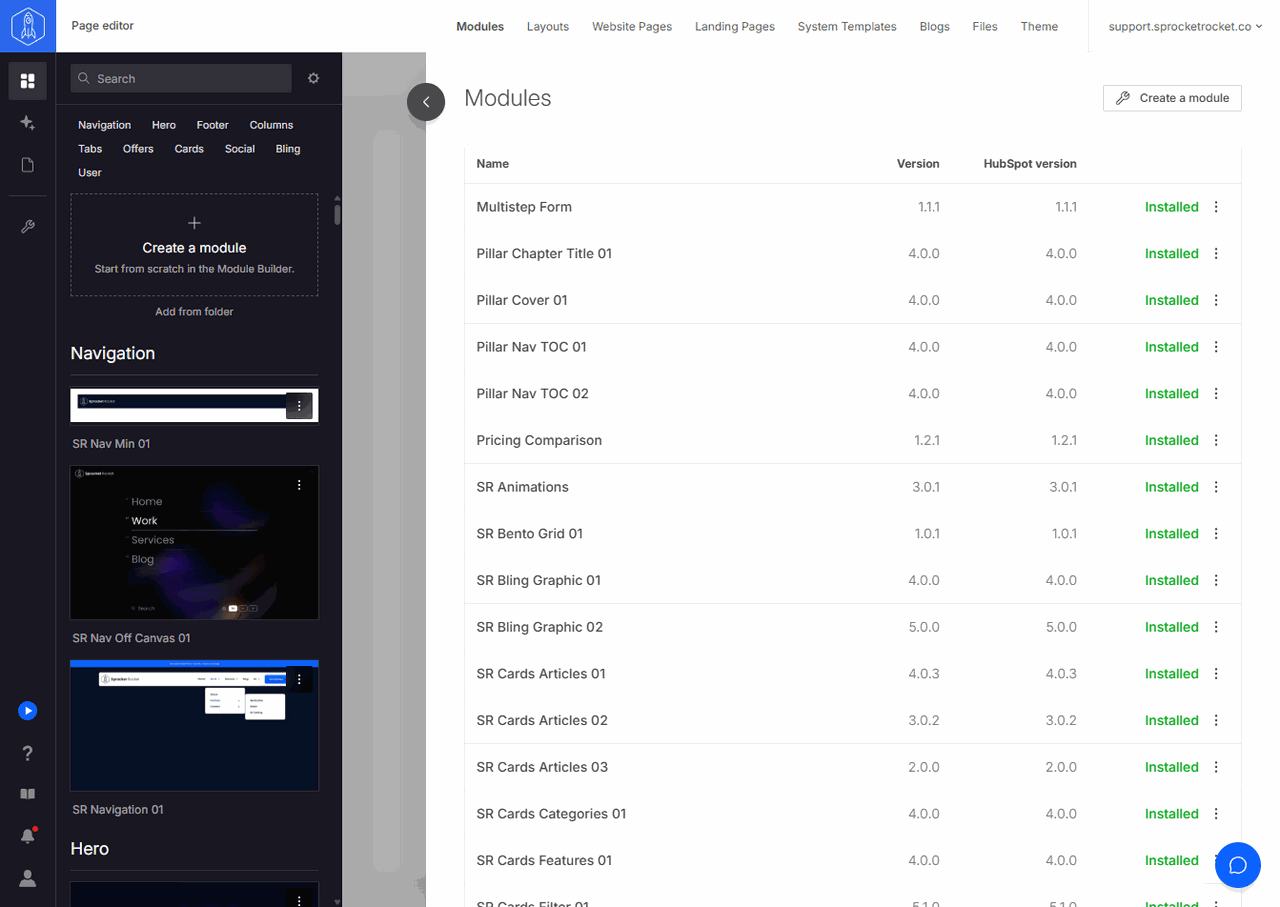
Before updating a customized module, select View diff in its menu and create a backup. Updates do not capture one automatically. Change log in the module's menu lists its versions and captured backups with their notes, and owners and admins can restore the module from there. The module library also shows each module's change log. See rollback for other recovery options.