

Sprocket Rocket AppManaging modules
Unlock modules
Use a credit to unlock a module the portal's license doesn't include.
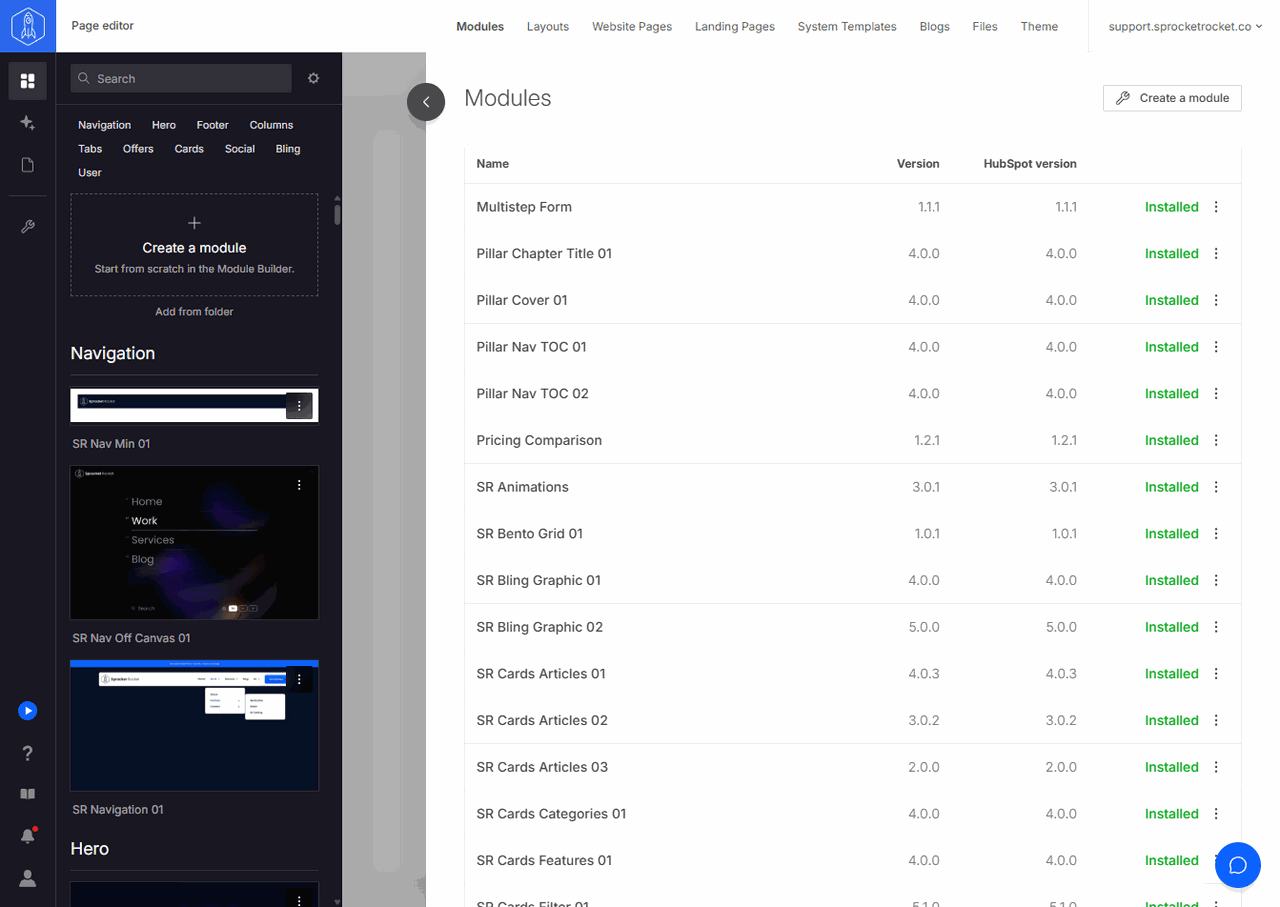
A module is locked when the portal's license doesn't include it. To unlock it, select Unlock on its row in Modules, or open its menu in the Add modules palette and select Unlock. Only organization owners and admins can unlock modules.
- If the organization has credits, the app spends one right away and installs the module.
- If it has none, Buy credits opens. Choose a quantity and check out. After payment, one of the new credits unlocks the module and the rest stay in your balance. When a license would cover the module, Buy credits offers it first: an unused license the organization owns (Use Stack license, for example), or Upgrade portal.
One credit unlocks one module on one portal. The unlock stays with that portal and does not apply to other portals. Credits can't unlock templates; those follow the portal's license. Review the organization's balance and activity under billing, usage, and credits.