

Sprocket Rocket App
Landing pages
Install landing page templates and create landing pages from them.
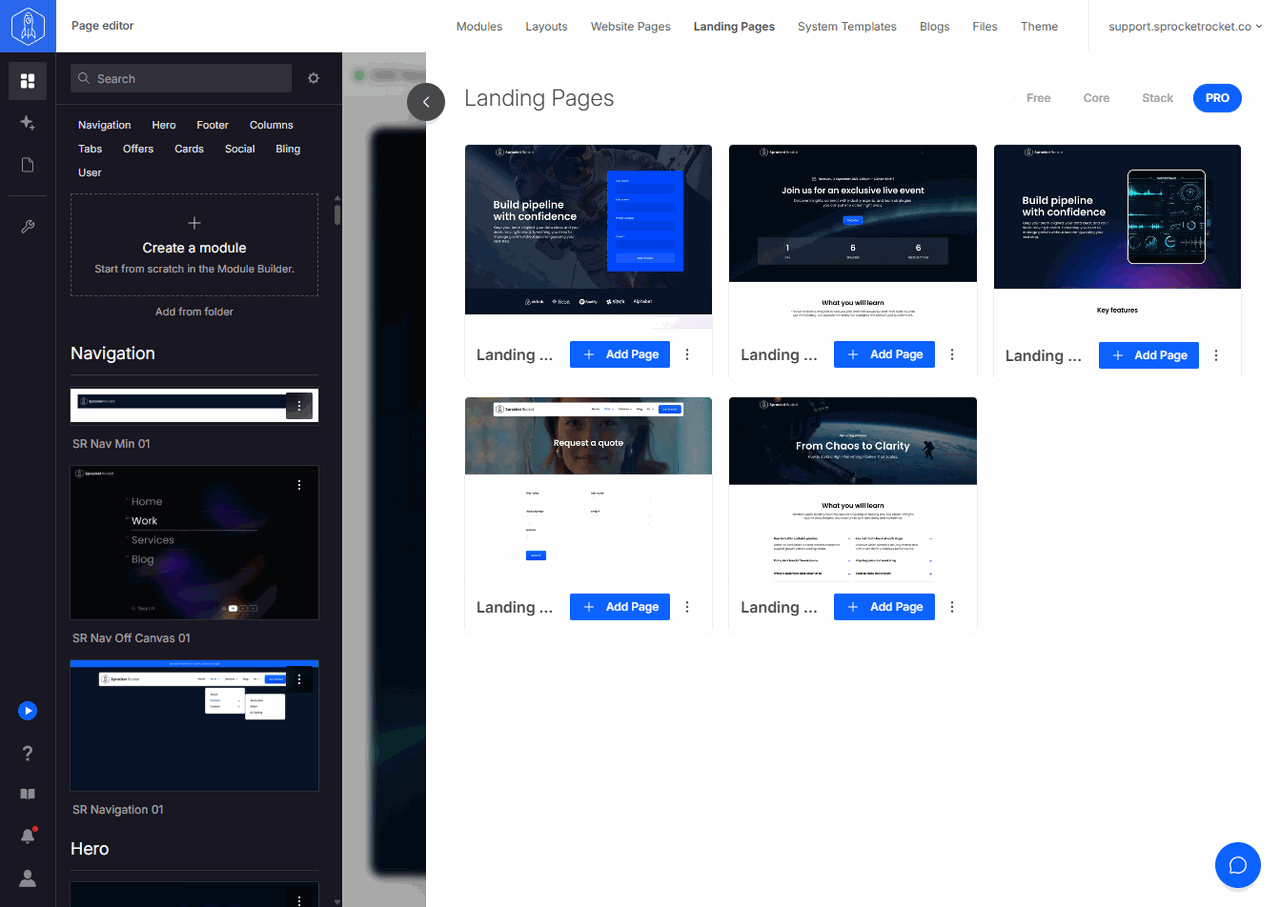
Open Landing Pages in the installation's top navigation to see the landing page templates. Use the Free, Core, Stack, and PRO filters to see the templates for each portal license. Select Install to add a template to the portal. On an installed template, select Add Page to create a landing page from it. The page opens in Page Builder.
To find and open existing landing pages, select Pages in the rail and choose the Landing Pages tab. See Pages.
Landing pages use their own HubSpot content type. Confirm that the selected module and template support landing pages.