

Sprocket Rocket App
System templates
Install the templates HubSpot uses for system pages.
Open System Templates in the installation's top navigation to install templates for error, search results, password, membership, and subscription pages. Select Install on a template to add it to the portal. An installed template's menu has Change log, which lists its versions so you can move it to another one.
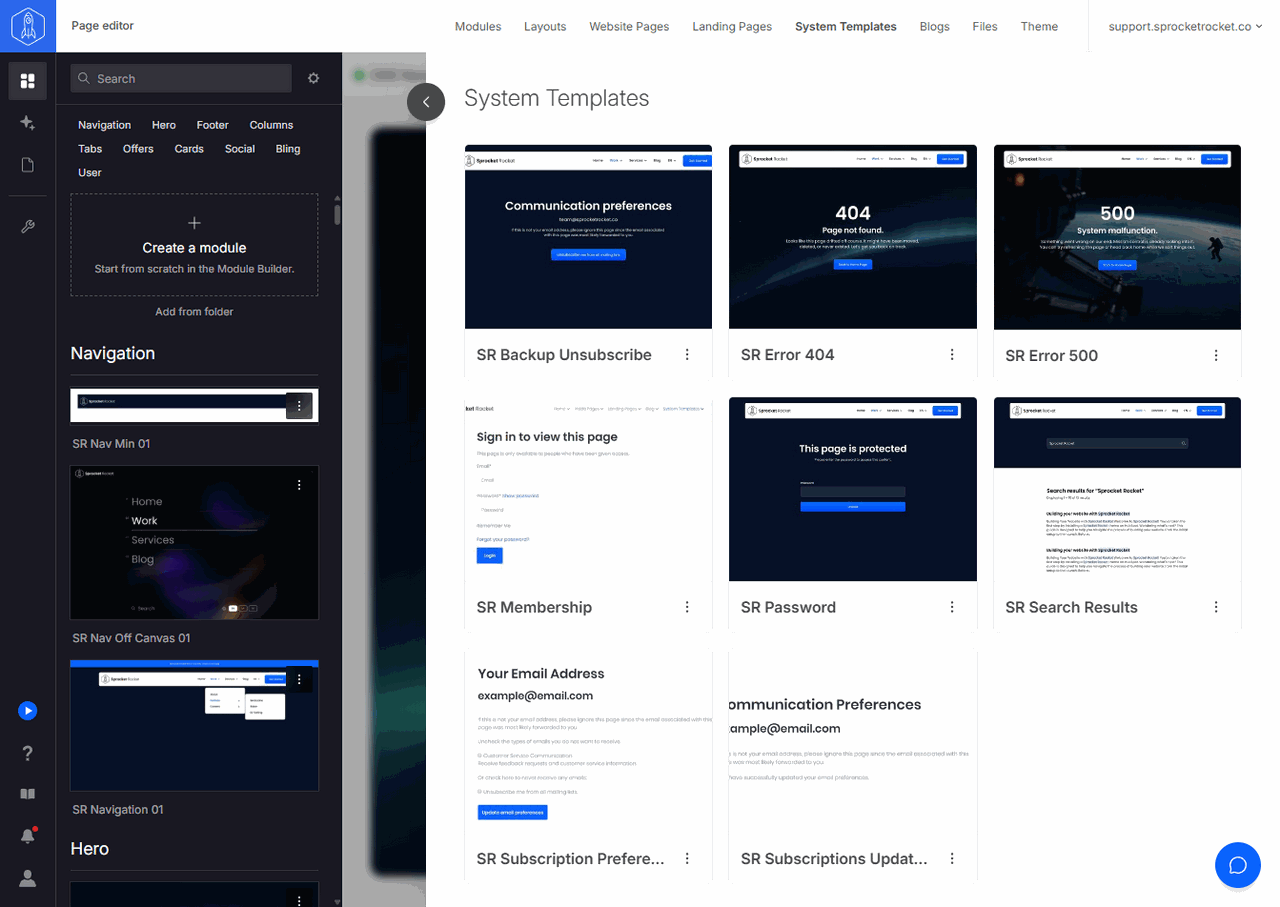
Installing a template makes it available in HubSpot. You must still assign it to the appropriate system page. See system templates.