

Sprocket Rocket AppManaging modules
Install modules
Add one module or the eligible module set to an installation.
Open Modules, find the module, and select Install. Use Install all to install every module the portal can use that isn't installed yet. Locked modules are skipped.
If a module needs newer core theme files than the installation has, the app updates those files first and installs the module right after.
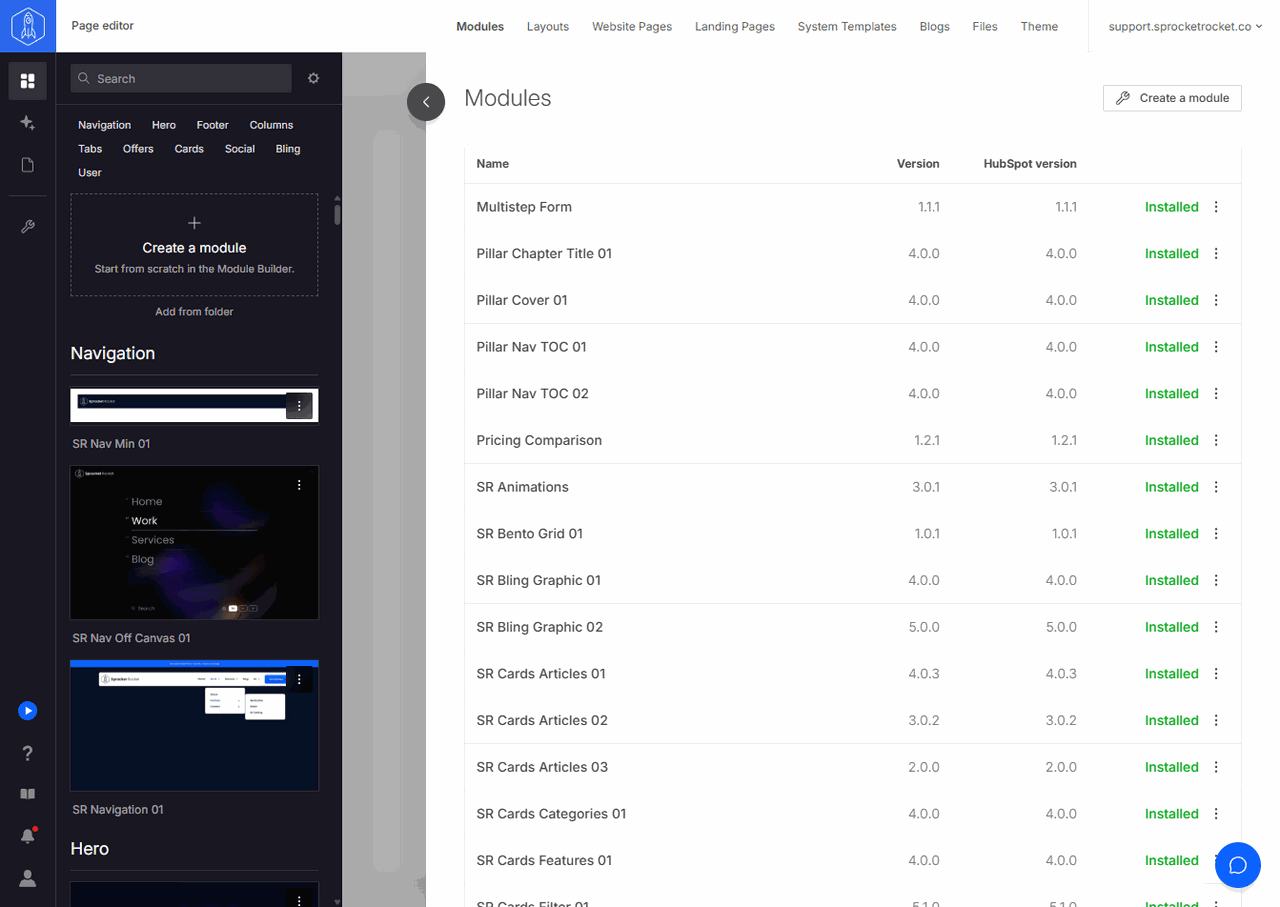
Locked modules show Unlock instead of install or editing actions. Unlocking installs the module for you. See Unlock modules.
You don't have to install a module before using it on a page. Page Builder's Add modules palette lists modules that aren't installed yet, and dropping one on the canvas installs it.