

Organization settings
Update your organization's name, logo, and website domain.
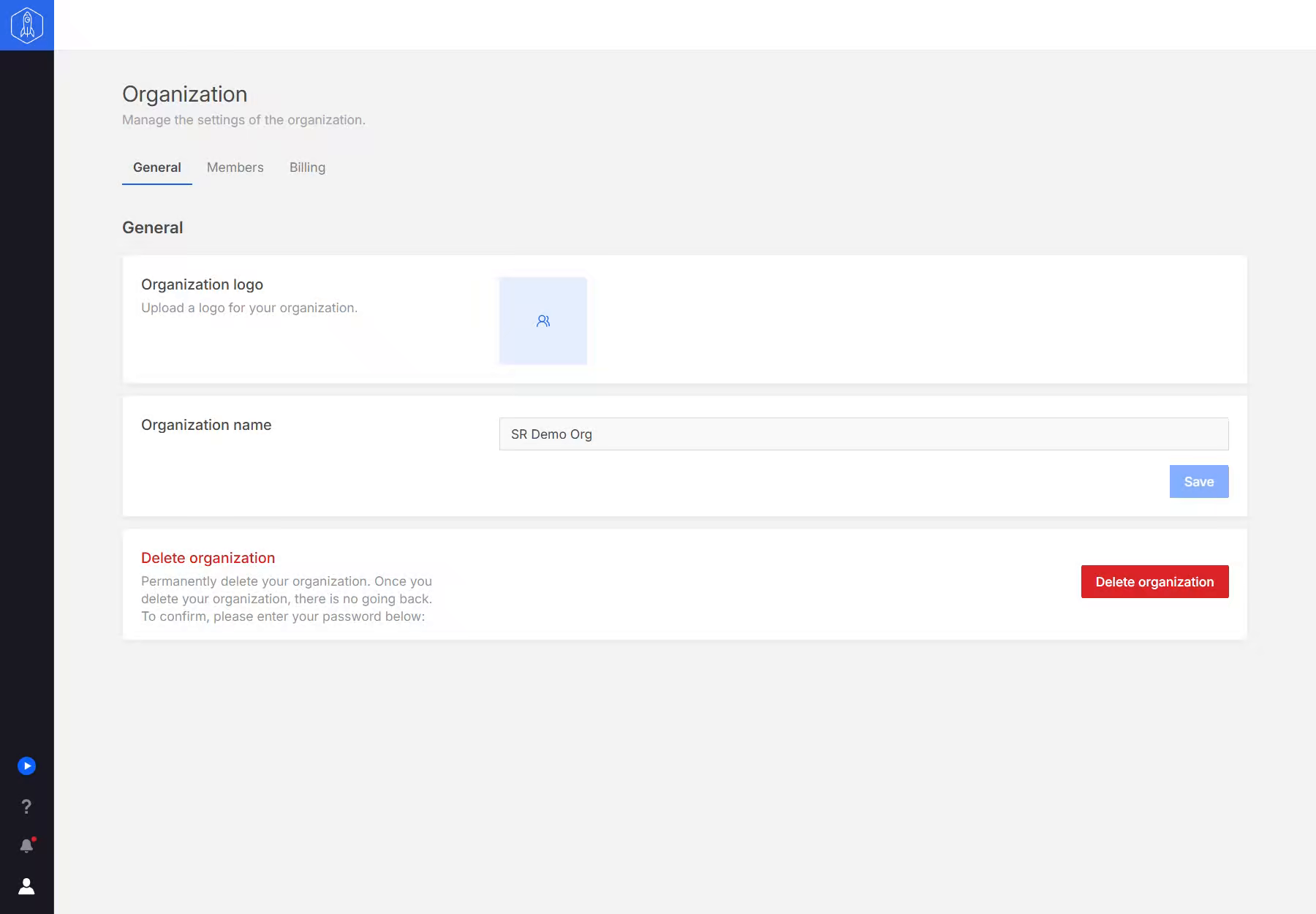
Open the user menu and select Organization settings. Only organization owners and admins can open it. The General tab holds the Organization logo, Organization name, and Company website domain shared across the organization. Select Save after changing the name or domain.
The domain is your company's website, for example acme.com. When someone creates a new organization with the same domain, the app suggests they request an invitation to yours instead.
Changes here do not rename or reconfigure your connected HubSpot portals. Portal details are managed separately under Portals.
Organization owners also see Delete organization at the bottom of the page. Deleting an organization cannot be undone, so check its members and portal access first. It also removes Sprocket Rocket from each portal's HubSpot account that no other organization connects, as deleting a portal does.