

Sprocket Rocket AppManaging portals
Update installation files
Review and apply theme, module, template, and shared file updates.
The installation page compares managed HubSpot files with the available package versions. Before updating a file marked Customized, open its Actions menu and review View diff or Change log.
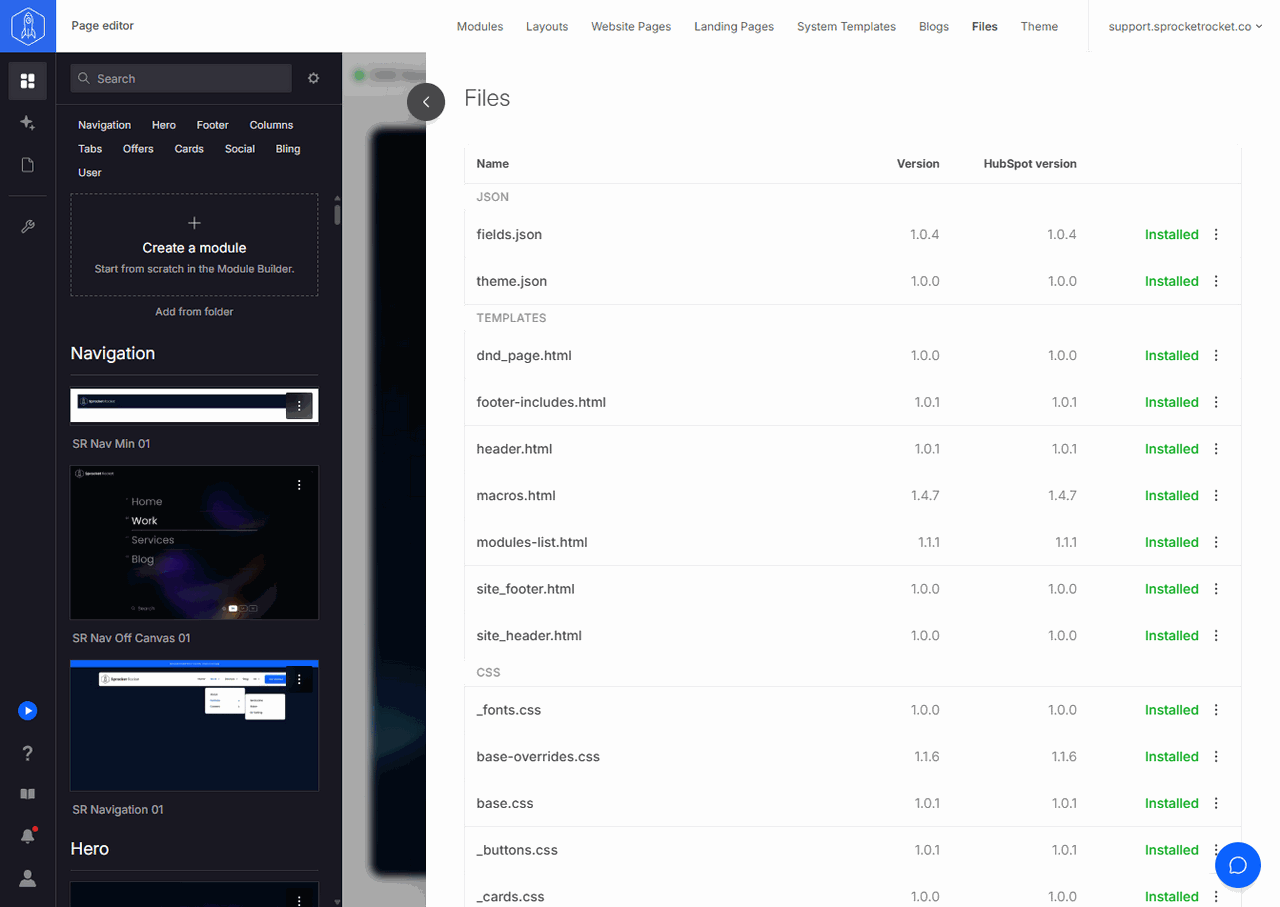
Open Files to see the managed files, their Version and HubSpot version, and each file's Actions menu. To see every pending update for the installation, open the user menu and select View updates.
Bulk updates do not silently move a package across a breaking major version. Major updates have a separate action so you can review them first. Create a backup before replacing custom work.