

SR Modal
This module renders a hidden popup dialog containing an image, a heading, rich text description, one CTA button, and an optional embedded HubSpot form with its own heading and description.
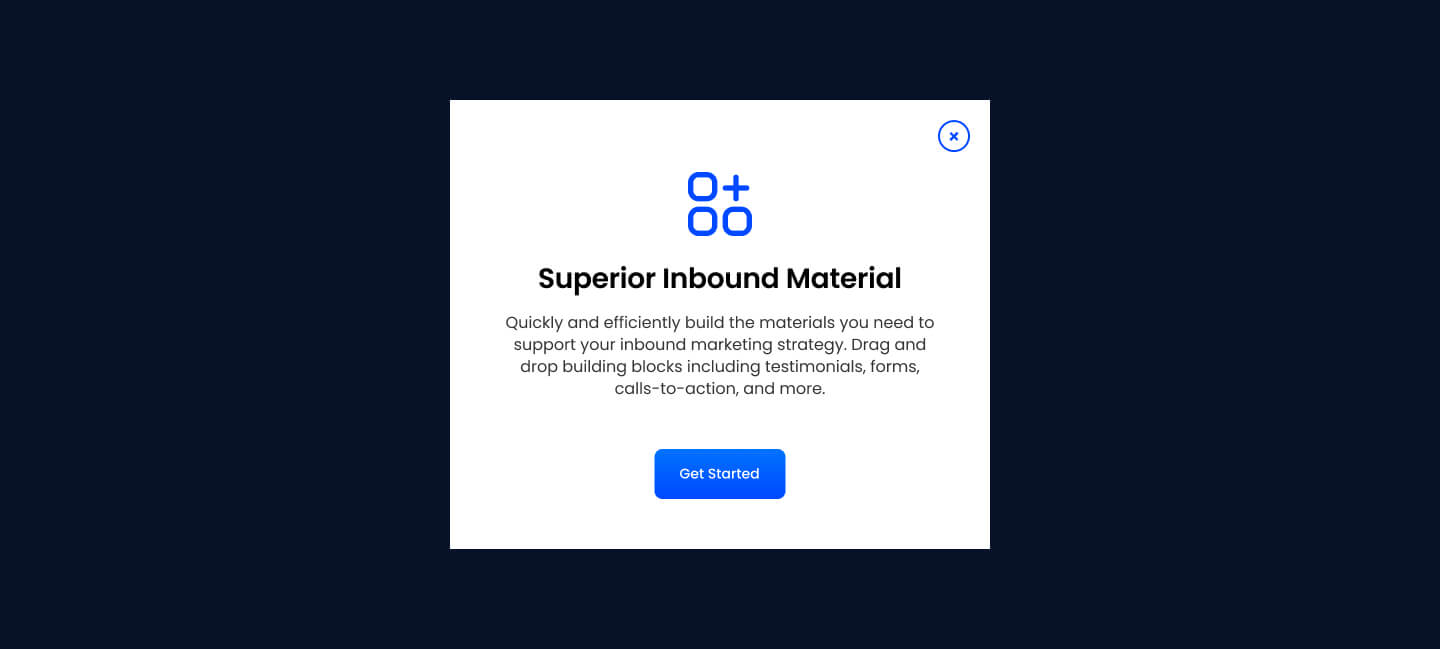
Pick it over the bling, clients, and card modules when the content must stay hidden until a user clicks a trigger elsewhere on the page, such as a lead capture form or a detail panel, rather than being shown inline. It needs another element like SR Element Button set to the same modal_target to open it, and if the form is enabled it needs a connected HubSpot form.
Use cases
- Gated content popup
- Lead capture form modal
- Free trial signup dialog
- Product detail popup
- Newsletter signup overlay
- Demo request popup
Where it fits
- Included with: Free
- Page sections: Form, Cta, Not a page section
Editable fields
Content tab
| Field | Type | Notes |
|---|---|---|
| Modal Target | Text | |
| Image | Image | |
| Description | Rich text | |
| Lead Text | Boolean | Turn on to make the Description text larger. |
Heading Repeats: min 0, default 1.
| Field | Type | Notes |
|---|---|---|
| Heading | Text | |
| Size | Choice | HTML heading size. Options: H1, H2, H3, H4, H5, H6, P. |
| Display Size | Choice | Size that heading is displayed at. 12 options, including Auto, H1, H2. |
| Color | Choice | 15 options, including Auto, Primary, Secondary. |
| Color | Color | |
| Align | Choice | Options: Auto, Left, Center, Right. |
| CSS Class | Text |
CTA Repeats: min 0, default 1.
| Field | Type | Notes |
|---|---|---|
| CTA Type | Choice | Options: HubSpot CTA, HubSpot Payment, Button, Modal. |
| CTA Style | Choice | 26 options, including Primary, Secondary, Tertiary. |
| CTA | CTA | |
| Button Text | Text | |
| Modal Target | Text | |
| Link | Link | |
| Payment link | Payment | |
| Checkout behavior | Choice | Options: Open in a new tab, Sliding overlay. |
| CTA Size | Choice | Options: Small, Default, Large. |
| Add icon | Boolean |
CTA › Default
| Field | Type | Notes |
|---|---|---|
| Background | Color | |
| Text | Color | |
| Border | Color |
CTA › Hover
| Field | Type | Notes |
|---|---|---|
| Background | Color | |
| Text | Color | |
| Border Color | Color |
CTA › Icon
| Field | Type | Notes |
|---|---|---|
| Icon | Icon | |
| Position | Choice | Options: Left, Right. |
| Purpose | Choice | The purpose of the icon, used for accessibility. If set to decorative, an additional attribute of aria-hidden="true" will be added to the icon. Options: Decorative, Semantic. |
Form
| Field | Type | Notes |
|---|---|---|
| Enabled | Boolean | |
| Lazy Load | Boolean | To use this feature, you must have either Marketing Hub or Content Hub Professional or Enterprise, and you need to enable the "Set as raw HTML" option in the form settings. |
| Form Height | Number | Used to set a minimum height for the form, this prevents layout shifts when the form loads. |
| Description | Rich text | |
| Lead Text | Boolean | Turn on to make the Description text larger. |
| Form | Form | |
| Send form notifications to specified email addresses instead of the form defaults | Boolean | |
| Email Addresses | ||
| Salesforce campaign | Salesforcecampaign |
Form › Styles
| Field | Type | Notes |
|---|---|---|
| Background Color | Color | |
| Text Color | Choice | Set to Auto to use the default text color. Set to Custom to set a custom text color. 15 options, including Auto, Primary, Secondary. |
| Text Color | Color | |
| Hide Field Labels | Boolean |
Form › Styles › Fields
| Field | Type | Notes |
|---|---|---|
| Style | Choice | Options: Default, Custom. |
| Height | Number | |
| Background Color | Color | |
| Border Color | Color | |
| Size | Number | |
| Radius | Number | |
| Focus | Color | |
| Field Color | Color | |
| Placeholder | Color |
Form › Styles › Button
| Field | Type | Notes |
|---|---|---|
| Style | Choice | 26 options, including Primary, Secondary, Tertiary. |
| Size | Choice | Options: Small, Default, Large. |
| Align | Choice | Options: Auto, Left, Center, Right. |
| Full Width | Boolean |
Form › Styles › Button › Default
| Field | Type | Notes |
|---|---|---|
| Background | Color | |
| Text | Color | |
| Border | Color |
Form › Styles › Button › Hover
| Field | Type | Notes |
|---|---|---|
| Background | Color | |
| Text | Color | |
| Border Color | Color |
Form › Styles › Padding
| Field | Type | Notes |
|---|---|---|
| Top | Number | |
| Bottom | Number | |
| Left | Number | |
| Right | Number |
Form › Styles › Border
| Field | Type | Notes |
|---|---|---|
| Style | Choice | Options: Gradient One, Gradient Two, None, Solid, Dotted, Dashed, Double. |
| Color | Color | |
| Width | Number | |
| Radius | Number | |
| Top | Boolean | |
| Bottom | Boolean | |
| Left | Boolean | |
| Right | Boolean |
Form › Heading Repeats: min 0, default 1.
| Field | Type | Notes |
|---|---|---|
| Heading | Text | |
| Heading Size | Choice | HTML heading size. Options: H1, H2, H3, H4, H5, H6, P. |
| Heading Display Size | Choice | Size that heading is displayed at. 12 options, including Auto, H1, H2. |
| Heading Color | Choice | 15 options, including Auto, Primary, Secondary. |
| Heading Color | Color | |
| Heading Align | Choice | Options: Auto, Left, Center, Right. |
| CSS Class | Text |
Style tab
Change log
| Version | Change |
|---|---|
| 4.0.0 | Stardust update |
| 3.2.2 | Added ability to set custom button styles |
| 3.2.1 | Added ability to use new HS form |
| 3.2.0 | Added responsive background options |
| 3.1.0 | Introduced a lazy loading feature for forms |
| 3.0.1 | Added new Link options |
| 3.0.0 | Removed jQuery |
| 2.0.2 | Closing Modal now stops embedded video |
| 2.0.1 | Modal form fixes |
SR Image Hotspot 01
This module renders a single full image with up to three clickable hotspot markers placed at custom x and y coordinates, each opening a tooltip with an icon, heading, and rich text content.
SR Nav Progress Bar 01
This module renders a thin fixed progress bar positioned above or below the navigation, filling as the visitor scrolls down the page, with configurable color and height.